Phase 3: Building the Dashboard
Users wanted to see their memories, not just save and search. So we built a full web dashboard for browsing, organizing, and managing your AI memory.
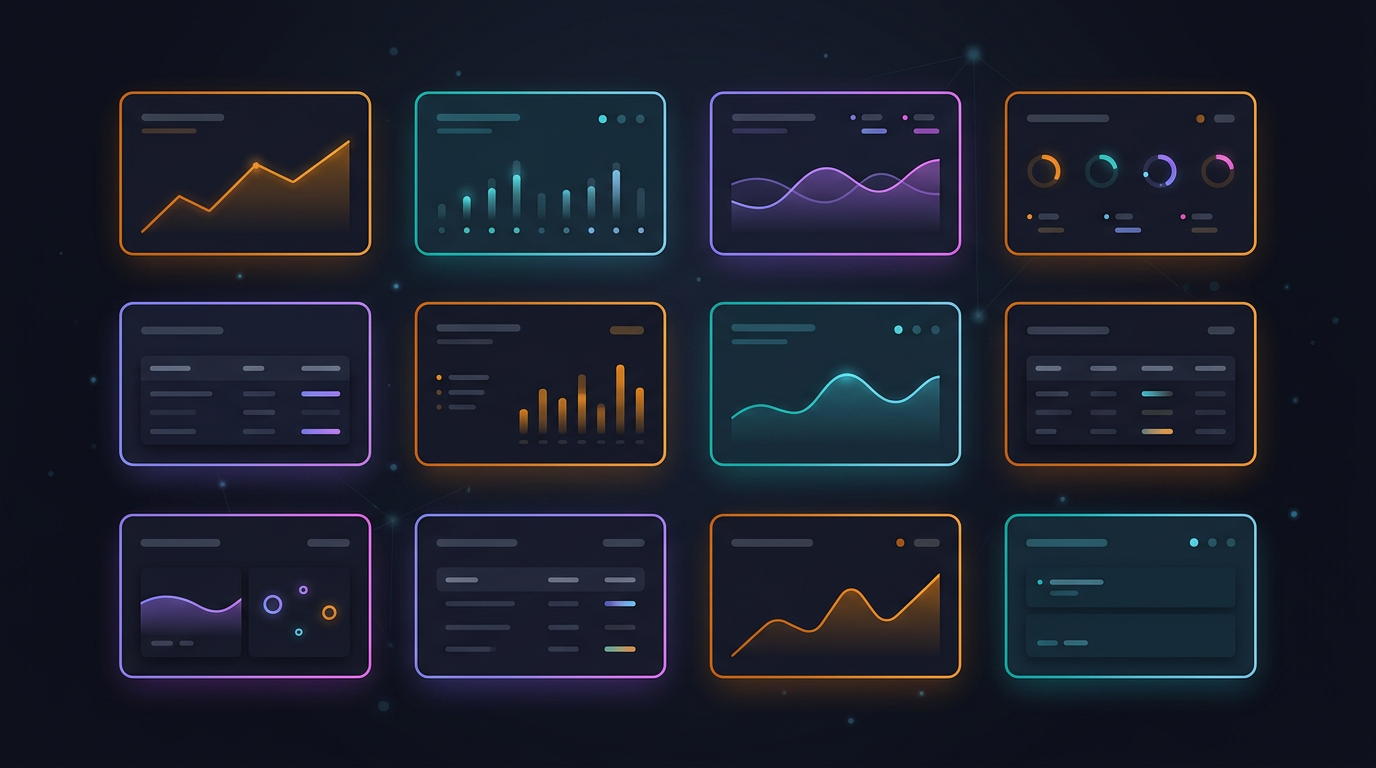
Beyond Save and Search
The extension gave users a way to capture and recall memories from inside their AI chats. But a memory system you can only access through chat commands has obvious limitations. People wanted to:
- Browse all their memories in one place
- Organize by project, type, or topic
- Edit or delete things they'd saved
- See patterns in what they'd learned over time
We needed a proper web dashboard — a home for your memory.
The First Iteration
The initial dashboard was deliberately simple. We built it with Next.js and focused on three core views:
Memories — a searchable, filterable list of everything you've saved. Each memory shows the content, tags, source (which AI tool it came from), project, and when it was created. Semantic search works here too, so you can find memories by meaning, not just keywords.
Contradictions — this was a new concept. When you save memories over time, some of them inevitably conflict with each other. "Always use REST APIs" saved in January vs. "GraphQL is better for this use case" saved in March. The Contradiction Engine detects these conflicts and surfaces them for review. You decide which to keep, which to archive, and which to reconcile.
Synthesis — an AI-powered feature that analyzes clusters of related memories and generates insights. If you've saved 15 memories about React patterns over three months, Synthesis can extract the common themes and produce a synthesized summary. It's your memory reflecting on itself.
The Early UI
We won't pretend the first version was beautiful. It was functional — clean layout, dark theme, readable typography — but visually utilitarian. Unicode emojis served as icons. The styling was flat. Cards had sharp corners and minimal depth.
But it worked. Users could log in, see their memories, search semantically, review contradictions, and generate syntheses. The foundational structure was solid, and that mattered more than polish at this stage.
What We Built Under the Hood
The dashboard is a Next.js 15 application using the App Router with React 19. The styling system uses Tailwind CSS v4 with custom design tokens defined in a @theme block — brand colors, surface levels, border treatments, and text hierarchy.
Authentication flows through the same API that powers the extension: OAuth with Google and GitHub, plus email/password for those who prefer it. Session management uses HTTP-only cookies with refresh token rotation.
Every dashboard page follows the same pattern: authenticate the user, fetch data from the FastAPI backend, and render it with client-side interactivity where needed. The API handles all business logic — the dashboard is a presentation layer.
Additional Views
Beyond the core three, we added several specialized views:
- Projects — group memories by project for focused context
- Voice Memos — record or upload audio, transcribed into searchable memories
- Calendar — link memories to meetings and events
- Career Brain — visualize your knowledge graph and track skill growth
- Learning — AI-powered recommendations for what to learn next
- Billing — subscription management and tier status
Each view serves a specific use case, but they all draw from the same memory store. A memory saved via /remember in ChatGPT shows up in the dashboard, in the Projects view, on the Calendar if it's linked to a meeting, and in Career Brain if it relates to a skill.
The Foundation
The dashboard gave memset a proper home — a place where your memory lives beyond the transient context of chat windows. It also revealed what users expected from a modern product: polished UI, fast interactions, and an experience that feels considered, not cobbled together.
That polish would come later. For now, the architecture was right, the data model was proven, and users had a full-featured interface for their memory. The next challenge was making that memory smarter.