Phase 5: Going Multi-Platform
A memory layer that only works in the browser isn't truly universal. We added MCP for IDEs and a CLI for terminals — and learned hard lessons about cross-platform identity.
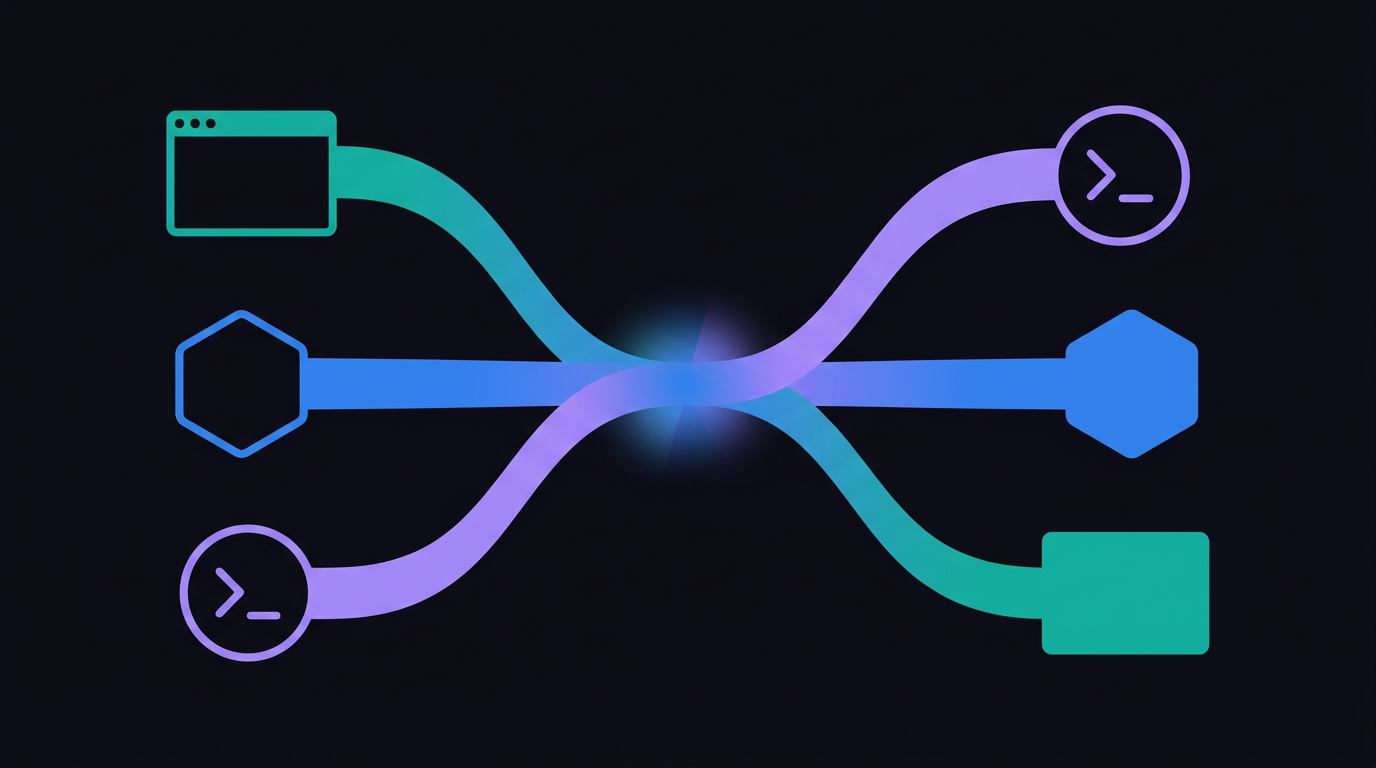
The Browser Isn't Enough
The browser extension covered ChatGPT, Claude, Gemini, and Perplexity. But developers spend as much time in their IDE and terminal as they do in browser-based AI chats. If memset is supposed to be "one brain for every AI," it needs to work everywhere — not just in Chrome tabs.
Phase 5 was about reaching the rest of the developer workflow.
MCP: The Model Context Protocol
MCP (Model Context Protocol) is an open standard that lets AI-powered editors like Cursor and Claude Desktop connect to external tools. Instead of a browser extension injecting into the DOM, MCP provides a clean server-client protocol where the editor calls our API using structured tool calls.
We built a full MCP server that exposes memset's capabilities as tools:
remember— save a memory with content, tags, and optional project contextrecall— semantic search across all memories, returns ranked resultsbrain_status— current memory count, recent activity, account tierget_style_profile— retrieve the user's learned communication preferencessync_preferences— push rules and preferences from any AI tool back into memset
The MCP integration uses JSON-RPC 2.0 over HTTP, which Cursor and Claude Desktop speak natively. A user adds a few lines to their MCP config, and memset tools appear alongside the editor's built-in capabilities.
Ghost Memory in IDEs
The browser extension injects memories silently using content scripts. MCP doesn't have content scripts — but it has something equally powerful: the instructions field in the protocol's initialize response.
When Cursor connects to memset via MCP, our server responds with dynamically generated instructions that guide the AI's behavior:
- "Before responding to the user, check if memset has relevant memories by calling the recall tool"
- "If the user says 'remember' or '/remember', use the remember tool to save the content"
- "Apply the following style preferences when responding..."
The instructions also include the user's full Style Memory profile, formatted as a system prompt. The effect is the same as Ghost Memory in the browser: the AI in Cursor knows your preferences and your project context from the first message.
The CLI
For terminal power users, we built a CLI:
memset remember "Always use --no-cache flag for Docker builds in CI"
memset recall "docker ci caching"
memset status
The CLI is intentionally minimal — it's a direct interface to the API for people who live in the terminal. It's useful for scripting, CI pipelines, and quick saves when you don't want to leave your terminal context.
Cross-Platform Identity
The hardest part of going multi-platform wasn't the technology — it was the identity and session management. Users authenticate with Google or GitHub OAuth in the browser, but how does the Chrome extension share that session? How does the MCP server authenticate? How does the CLI get a token?
We ended up with three authentication flows:
- Web + Extension — OAuth with refresh token in HTTP-only cookies. The extension uses
chrome.identityto launch the same OAuth flow. - MCP — API key in the Authorization header. Users generate a key from the dashboard and add it to their editor's MCP config.
- CLI — Same API key approach. Stored in
~/.memset/config.
Getting cross-origin cookies to work between the API domain and the web dashboard required switching to SameSite=None and extending token lifetimes. OAuth redirect URI validation had to be relaxed for Chrome extension URLs. These are the unglamorous plumbing problems that make multi-platform products actually work.
The Platform Matrix
After Phase 5, memset works across:
| Platform | How | Ghost Memory | Style Memory | |----------|-----|-------------|-------------| | ChatGPT, Claude, Gemini (web) | Browser extension | Automatic | Automatic | | Cursor, Claude Desktop | MCP server | Via instructions | Via instructions | | Any terminal | CLI | Manual recall | Not yet |
The browser extension remains the richest experience. MCP is close behind, with the instructions field doing heavy lifting. The CLI is deliberately simple — a power-user tool, not the primary interface.
What We Learned
Going multi-platform forced us to think carefully about what "universal memory" actually means. It's not just "the same data everywhere" — it's "the same experience everywhere." A user who saves a memory in ChatGPT should feel that memory working for them in Cursor thirty seconds later, without any manual steps.
We got close. MCP's instructions field means Cursor's AI proactively recalls memories and applies style preferences. The gap is in the CLI and in IDEs that don't support MCP yet — those remain manual. Closing that gap is what the Desktop System Agent is designed to do.