Phase 9: MCP Instructions & Cross-Tool Sync
The missing piece: making IDEs proactively recall your memories and sync your preferences bidirectionally. We built it using MCP's instructions field and a new sync_preferences tool.
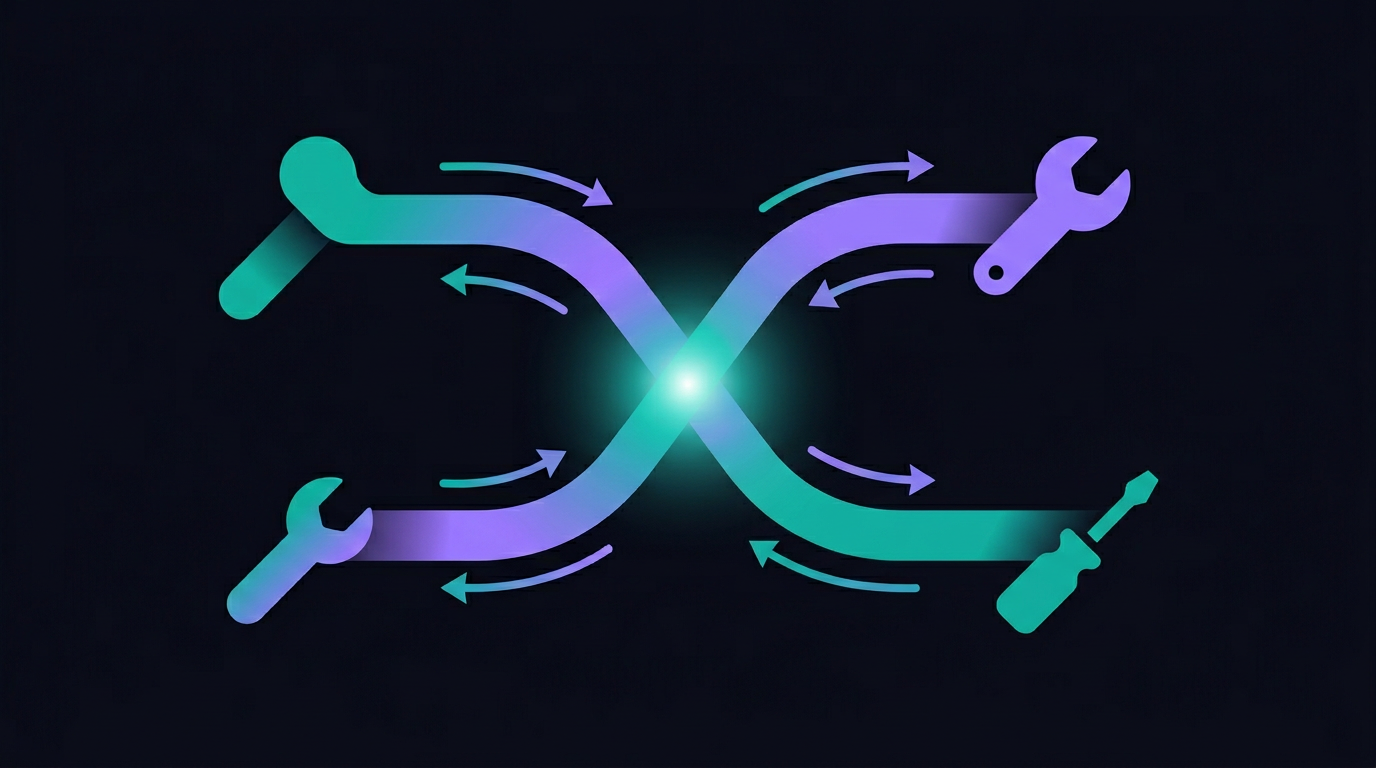
The Last Mile Problem
After Phase 5, memset worked in MCP-compatible editors like Cursor and Claude Desktop. But there was a gap between "works" and "works great."
The browser extension has a superpower: content scripts that silently inject context into every AI conversation. The user doesn't do anything — Ghost Memory just makes the AI smarter in the background.
MCP doesn't have content scripts. The user has access to remember and recall tools, but they have to actively use them. That's fine for explicit save/search, but it misses the magic of Ghost Memory — the part where the AI already knows your context before you ask.
The Instructions Solution
MCP's initialize handshake includes an instructions field — a system-level prompt that guides the AI's behavior for the entire session. Most MCP servers leave this empty. We realized it's the key to bringing Ghost Memory to IDEs.
When Cursor connects to memset's MCP server, the initialize response now includes dynamically generated instructions:
Ghost Memory instructions:
Before responding to the user, consider whether their question might benefit from checking their memset memory. If the topic involves their project, preferences, or past decisions, call the
recalltool proactively.
Remember instructions:
If the user says "remember" or "/remember" followed by content, use the
remembertool to save it to their memset memory.
Style Memory:
The user's communication preferences are: [full style profile embedded here — detail level, tone, code preferences, formatting habits]
The instructions are generated per-user. They include the actual style profile data, so the AI in Cursor doesn't need to make an extra API call to know how the user likes to communicate.
The effect: Cursor's AI now proactively checks memset for relevant memories before responding. It applies the user's style preferences automatically. It recognizes /remember commands. The gap between the browser extension experience and the MCP experience essentially closed.
sync_preferences: The Bidirectional Bridge
Ghost Memory and Style Memory solve the outbound problem: getting your memset knowledge into other tools. But what about the inbound problem: getting preferences from other tools into memset?
Every AI tool creates its own preference files:
- Cursor:
.cursor/rules/*.mdc - Claude Code:
CLAUDE.md - GitHub Copilot:
.github/copilot-instructions.md - Windsurf:
.windsurfrules
These files contain valuable user preferences — coding style, project conventions, communication preferences — that memset should know about. But they're siloed in each tool's config directory.
The sync_preferences tool solves this. It's an MCP tool that AI clients can call to push preference content into memset:
{
  "tool": "sync_preferences",
  "arguments": {
    "content": "Contents of the user's .cursor/rules...",
    "source": "cursor_rules",
    "project": "my-saas-app"
  }
}
memset stores these as preference memories, tagged with their source. When the user connects from a different tool, those preferences are available via recall or included in the Ghost Memory context.
The result: preferences learned in Cursor are available in Claude Desktop. Rules written for Copilot are accessible from the CLI. The walls between AI tool ecosystems start to dissolve.
What This Enables
The combination of MCP instructions + sync_preferences creates a genuinely new capability: cross-tool preference portability.
Today, if you spend months teaching Cursor your coding style through rules files, and then switch to Claude Code, you start from scratch. If you write careful Copilot instructions for a project and a teammate uses Windsurf, those instructions are invisible to them.
With memset in the loop:
- You write rules in Cursor → sync_preferences pushes them to memset
- You open Claude Desktop → Ghost Memory (via instructions) injects those same preferences
- Your teammate connects their memset → your shared team preferences appear in their IDE
This is the core value proposition coming to life across tools. Not "save and search" — but "tell one AI and they all know."
The Coverage Today
After Phase 9, here's where each platform stands:
| Capability | Web Extension | MCP (Cursor, etc.) | |-----------|--------------|-------------------| | Memory capture | /remember | remember tool | | Ghost Memory | Auto-injected | Via instructions (proactive) | | Style Memory capture | Passive (observes responses) | sync_preferences tool | | Style Memory application | Injected into prompts | Via instructions | | Recall | /recall | recall tool |
The MCP experience is now nearly on par with the browser extension. The remaining gap is that style capture in MCP is active (the AI must call sync_preferences) rather than passive (the extension observes automatically). The Desktop System Agent will close this gap with file watchers that monitor preference files continuously.